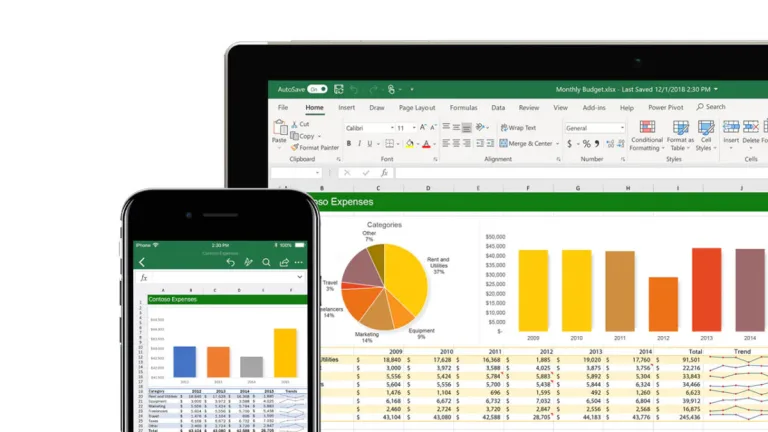
Structured spreadsheets for serious data work
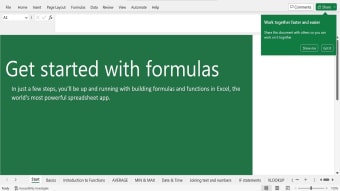
Microsoft Excel is built for organizing data, running calculations, and turning tables into decisions. With Formulas and functions, it supports repeatable logic for budgets, logs, and operational tracking, making it a staple in analytics-heavy teams. Its grid layout keeps assumptions visible, helping reviewers trace changes and catch mistakes early.
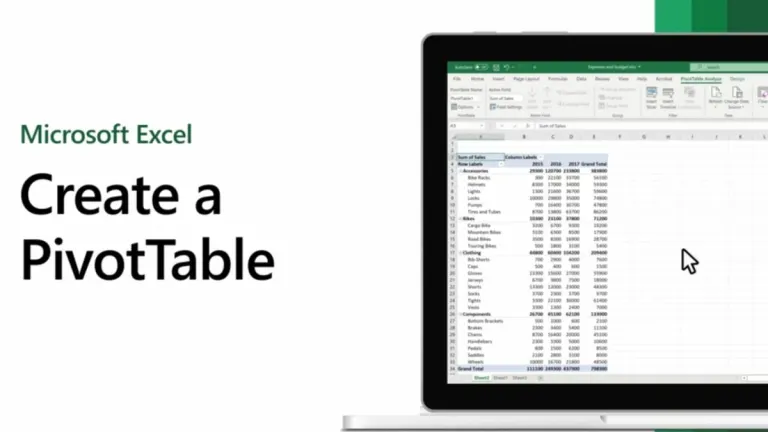
For deeper work, Microsoft Excel adds PivotTables, Conditional Formatting, and Charts to spot patterns and communicate results fast. It scales from quick checklists to dense models, but rewards careful setup and clean inputs so numbers stay reliable. Clear labels and consistent ranges make handoffs smoother when multiple people touch the file.
Building repeatable analysis from raw tables
Microsoft Excel works best when raw tables need to become repeatable outputs. Power Query can pull and clean data from common sources, then refresh results without rebuilding steps. Data Validation helps lock down inputs so shared models stay predictable. This suits finance, operations, and QA work where small mistakes ripple fast. Compared with Google Sheets, it tends to handle heavier models more comfortably, while LibreOffice Calc can be a solid fallback for basic spreadsheets. It also supports layered worksheets so assumptions, calculations, and outputs stay separated for review.
Day to day use feels fast once a workflow is set: enter values, copy logic, and extend ranges without rewriting everything. Large files can still slow down when calculations are stacked too deeply, so trimming volatile logic and keeping tables tidy matters. The depth is a strength, but it can push new users into trial-and-error, especially when formulas reference multiple sheets. For quick collaboration-first drafting, Google Sheets may feel lighter, yet it often trades away some control. Careful naming and consistent structure make reviews and handoffs far less painful.
For controlled environments, Workbook protection helps limit edits and reduce accidental damage to critical sheets. Offline work is still practical for sensitive datasets, and files can be packaged for handoff without requiring an account tie-in. The tradeoff is that governance is only as good as the team’s habits: stale copies and untracked edits can appear when sharing is informal. If the goal is a database-style single source of truth, Airtable or a BI tool may fit better. Still, for structured number work, it remains hard to replace.
A strong pick for data-heavy work
Microsoft Excel suits users who need repeatable calculations, structured tables, and dependable analysis in one file. It scales from simple trackers to complex models, supports clear review when workbooks are organized, and stays useful even when connectivity is limited. The learning curve is real, but the payoff is control over logic and outputs. Recommended for teams that rely on accurate reporting and want results they can audit and reuse across many types of workflows.